Control your Mac from your iPad
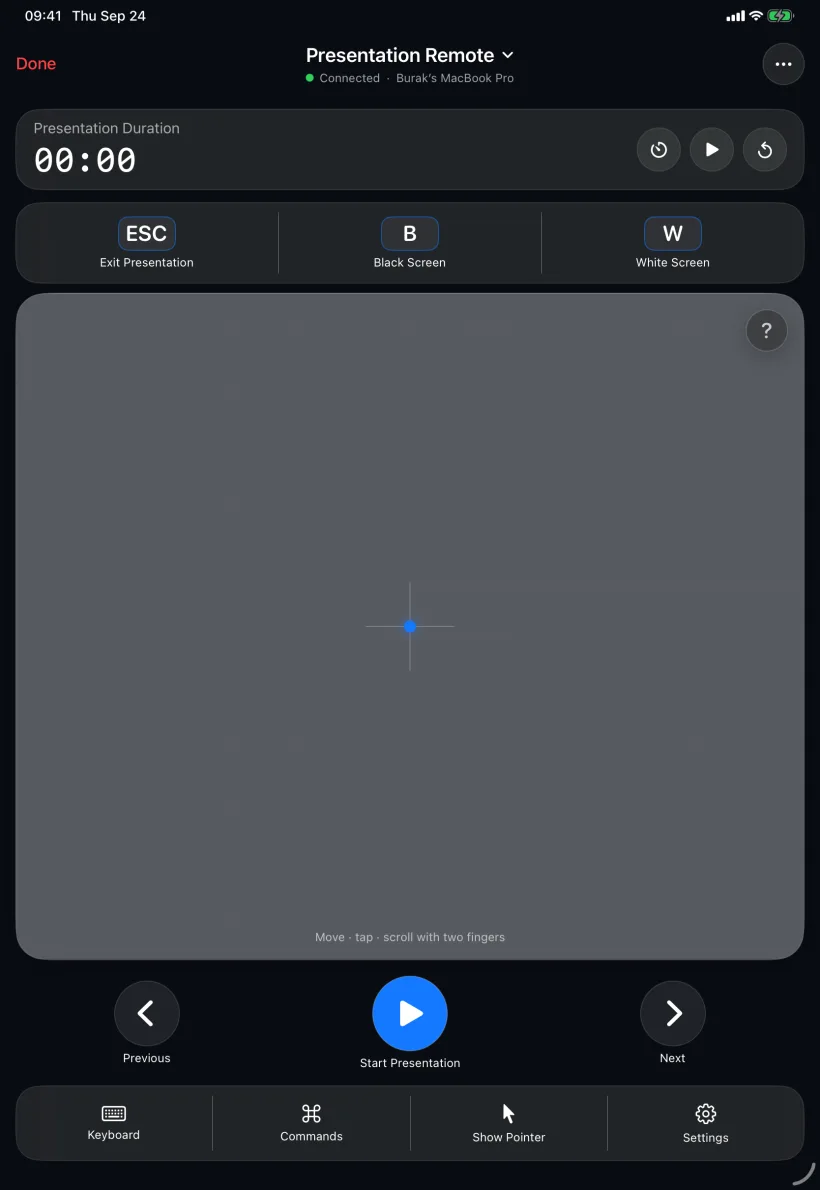
PalmDesk is one app for iPhone and iPad. On iPad it spreads out: a trackpad the size of a notebook, a live view of the Mac you can actually read, and presenter notes you can see from a step away.
Updated September 24, 2026 · iPadOS 17 or later
Quick answer
Install PalmDesk on your iPad and the free PalmDesk app on your Mac, pair them with the QR code, and your iPad becomes the Mac’s live screen, trackpad, media remote or presentation remote. It works on any iPad that runs iPadOS 17 or later, in every orientation, and it’s free on the same Wi‑Fi.
Why iPad is a good fit
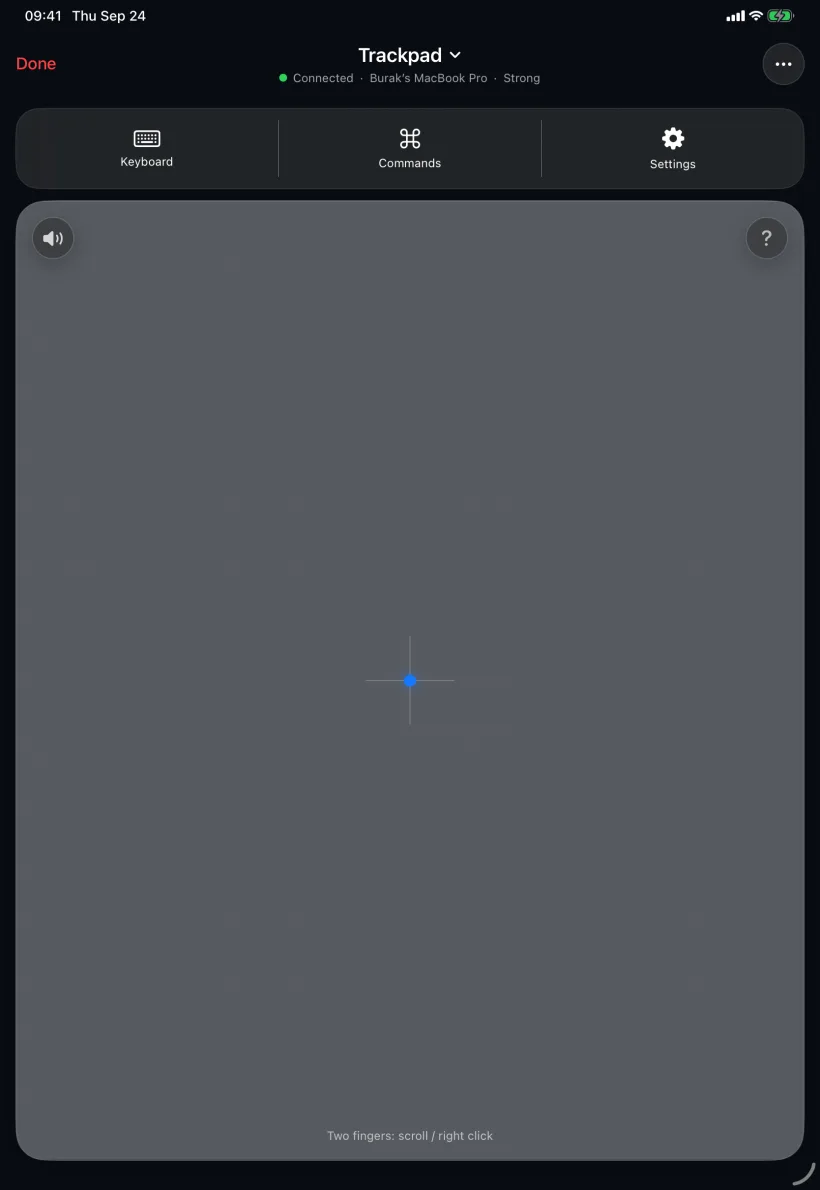
A notebook-size trackpad
Long drags finish in one stroke, and three- and four-finger gestures have room to breathe.
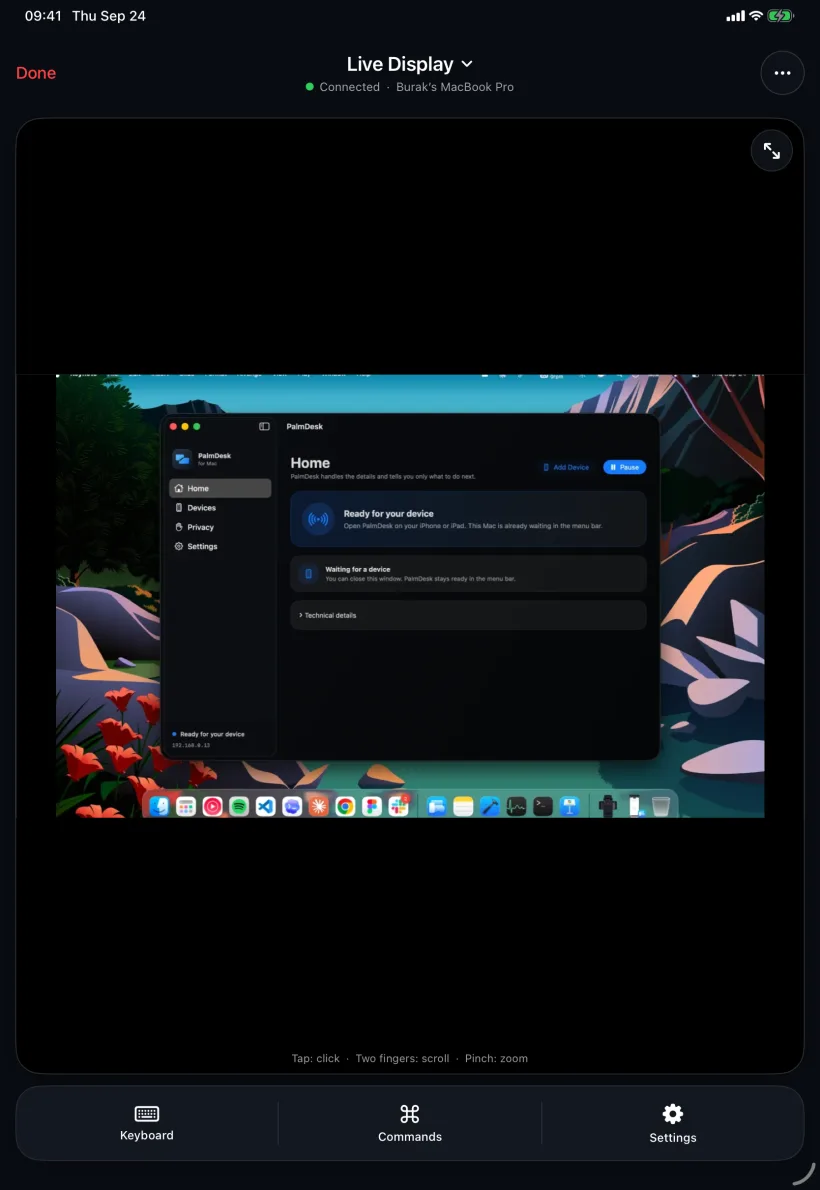
A readable Mac screen
Live Display shows the Mac at a size where text and menus are legible, with pinch to zoom for fine detail.
Presenter view in your hands
Slide number, notes and the timer on a screen you can glance at while you talk.
iPad, Sidecar and Universal Control
Apple’s Sidecar turns an iPad into a second display for the Mac, and Universal Control lets the Mac’s own keyboard and trackpad move onto a nearby iPad. PalmDesk works the other way round: the iPad controls the Mac, including its full screen, and with Pro it does so from another network. Full comparison.
Set up PalmDesk on iPad
Install the apps
PalmDesk on the iPad, and the free PalmDesk for Mac.
Pair with the QR code
Tap Add Mac on the iPad, scan the code on the Mac and confirm the fingerprint.
Pick a mode and tap your Mac
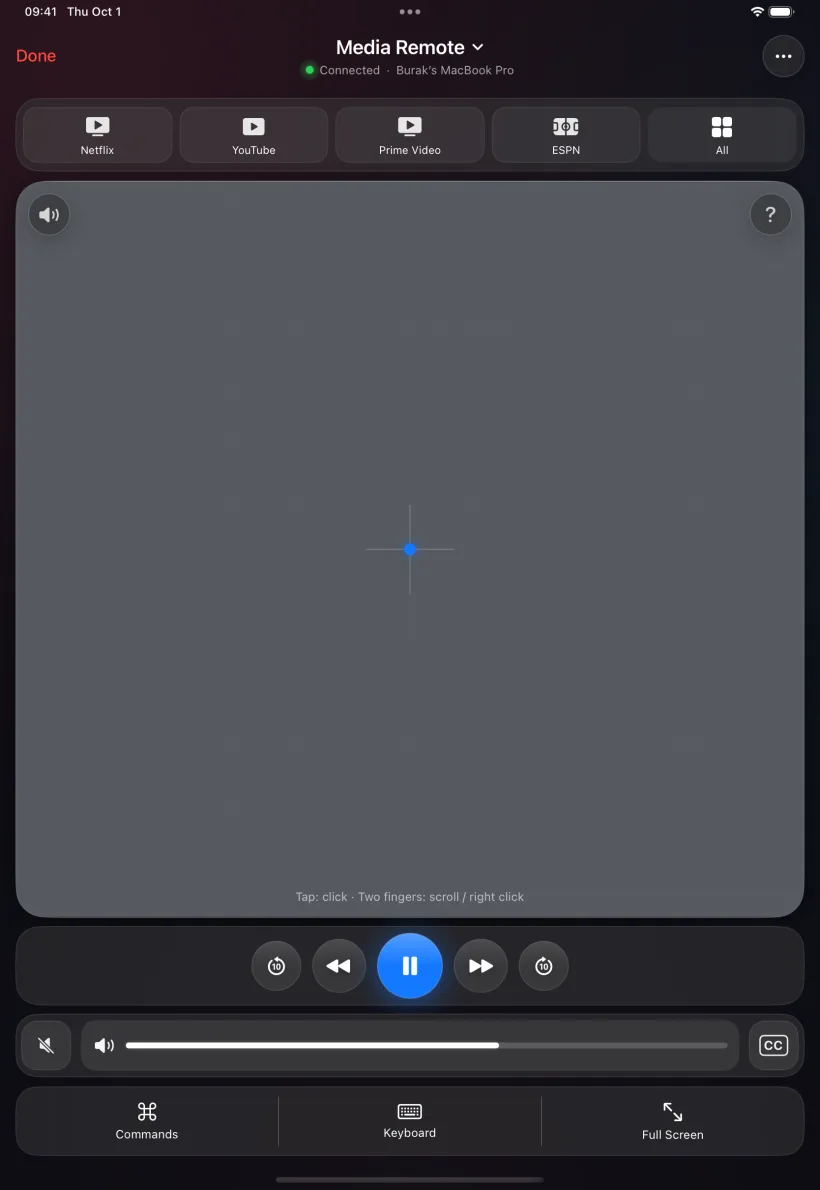
Live Display, Trackpad, Media Remote or Presentation Remote; switch any time without reconnecting.
Questions
Which iPads are supported?
Any iPad that runs iPadOS 17 or later, including iPad, iPad mini, iPad Air and iPad Pro models.
Can I use my iPhone and my iPad with the same Mac?
Both can run PalmDesk, but in version 1.0 a Mac pairs with one device at a time. To switch, remove the current device in the Mac app and pair the other one.
Do I need to buy PalmDesk again for iPad?
No. It’s the same app, and PalmDesk Pro is tied to your Apple Account, in use on one device at a time.
Does it work in landscape and portrait?
Yes, in all four orientations.
Your iPad, your Mac’s best remote.
PalmDesk 1.0 is in final preparation for the App Store. This page will link to it the day it goes live.