Press kit
Everything you need to write about PalmDesk. Images on this page may be used in coverage of PalmDesk.
Updated September 24, 2026 · Press contact: support@palmdesk.app
Fact sheet
| Name | PalmDesk (one word, capital P and D) |
|---|---|
| Developer | PalmDesk |
| Platforms | iPhone and iPad (iOS/iPadOS 17+), with a free companion app for Mac (macOS 14+) |
| Version | 1.0 (2026) |
| Price | Free on the same Wi‑Fi. PalmDesk Pro: $2.99/month or $19.99/year, both with a 7-day free trial (US) |
| Languages | English, Türkçe, Español, Deutsch, Français, 日本語, 简体中文 |
| Website | palmdesk.app |
Descriptions
Short: PalmDesk turns your iPhone or iPad into your Mac’s live screen, trackpad, media remote and presentation remote.
Long: PalmDesk is an app for iPhone and iPad that controls a Mac. Live Display shows and controls the Mac screen, Trackpad mode offers multi-finger gestures and a remote keyboard, Media Remote runs whatever is playing, and Presentation Remote handles Keynote, PowerPoint and browser decks with notes and a timer. Devices pair once with a QR code, and every session is end-to-end encrypted. PalmDesk is free on the same Wi‑Fi; PalmDesk Pro adds access from any network and more than one Mac.
Images
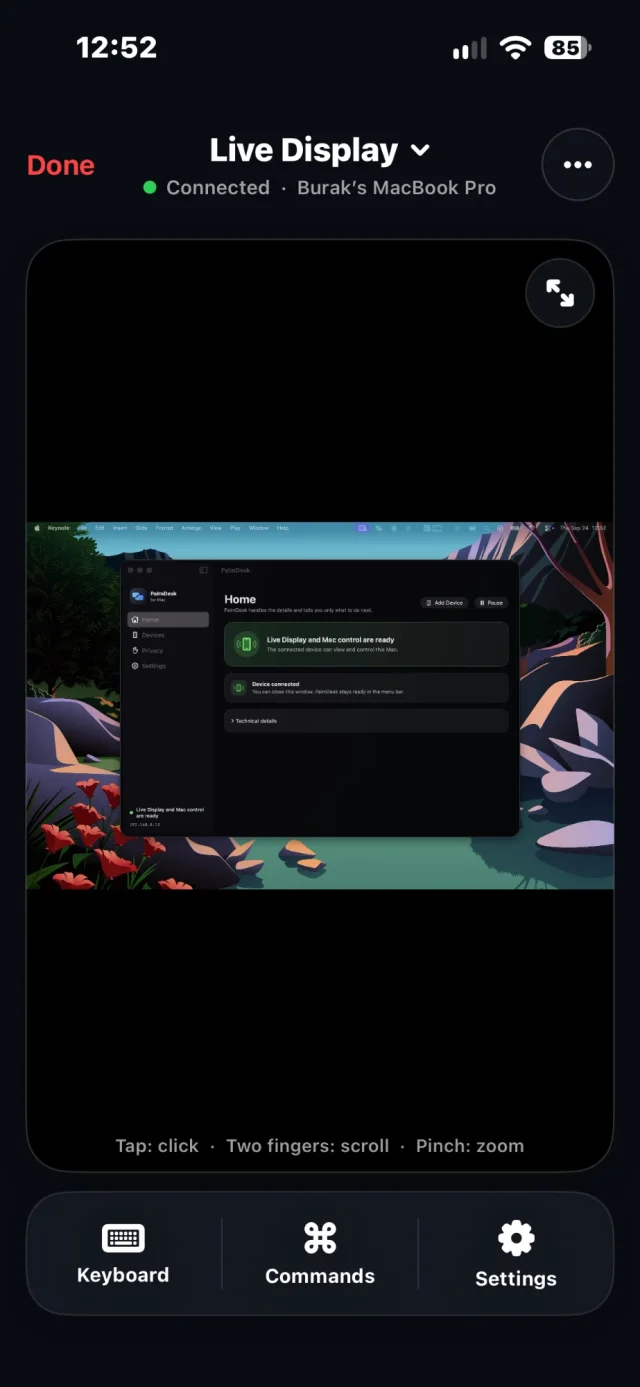
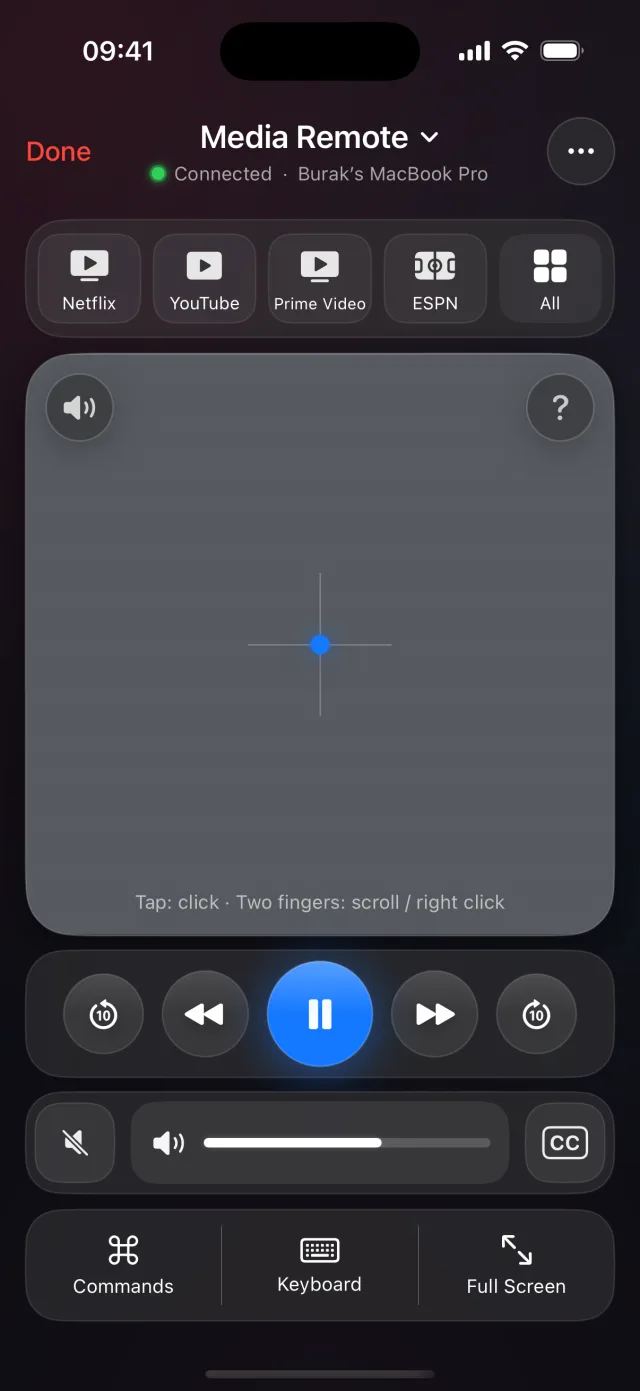
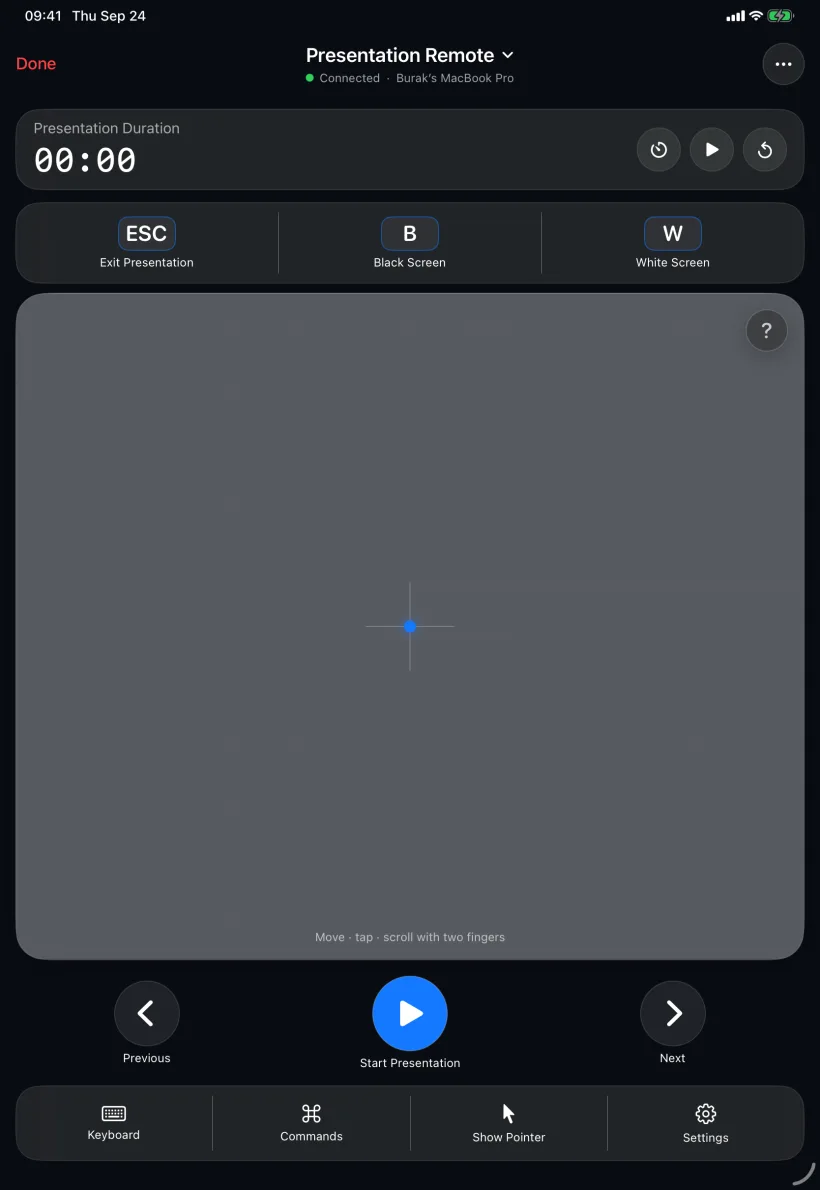
Screenshots are captured from the app itself. The Mac shown inside Live Display is a real capture of PalmDesk for Mac.