PalmDesk for Mac and Windows
The free app that lets your iPhone or iPad see and control your computer. It waits in the background, asks for what it needs once, and stays out of the way until a device connects.
Version 1.0 · macOS 14 or later · Windows 10 or later · Free
In short
PalmDesk for Mac and PalmDesk for Windows capture the screen, encode it with the computer’s hardware H.264 encoder and apply the pointer and keyboard input they receive from PalmDesk on your iPhone or iPad. They never need a purchase; Pro is bought in the phone app and covers Macs and PCs alike.
Requirements
| Mac | Windows | |
|---|---|---|
| System | macOS 14 Sonoma or later | Windows 10 version 2004 or later, or Windows 11 |
| Processor | Apple silicon or Intel | x64 (Intel or AMD), or ARM64 with Windows 11 |
| Runs in | The menu bar | The notification area |
| Controller | PalmDesk on an iPhone or iPad with iOS or iPadOS 17 or later | |
| Network | Same Wi‑Fi for a direct connection; any internet connection with PalmDesk Pro | |
| Price | Free | |
Set it up on a Mac
Download and open PalmDesk
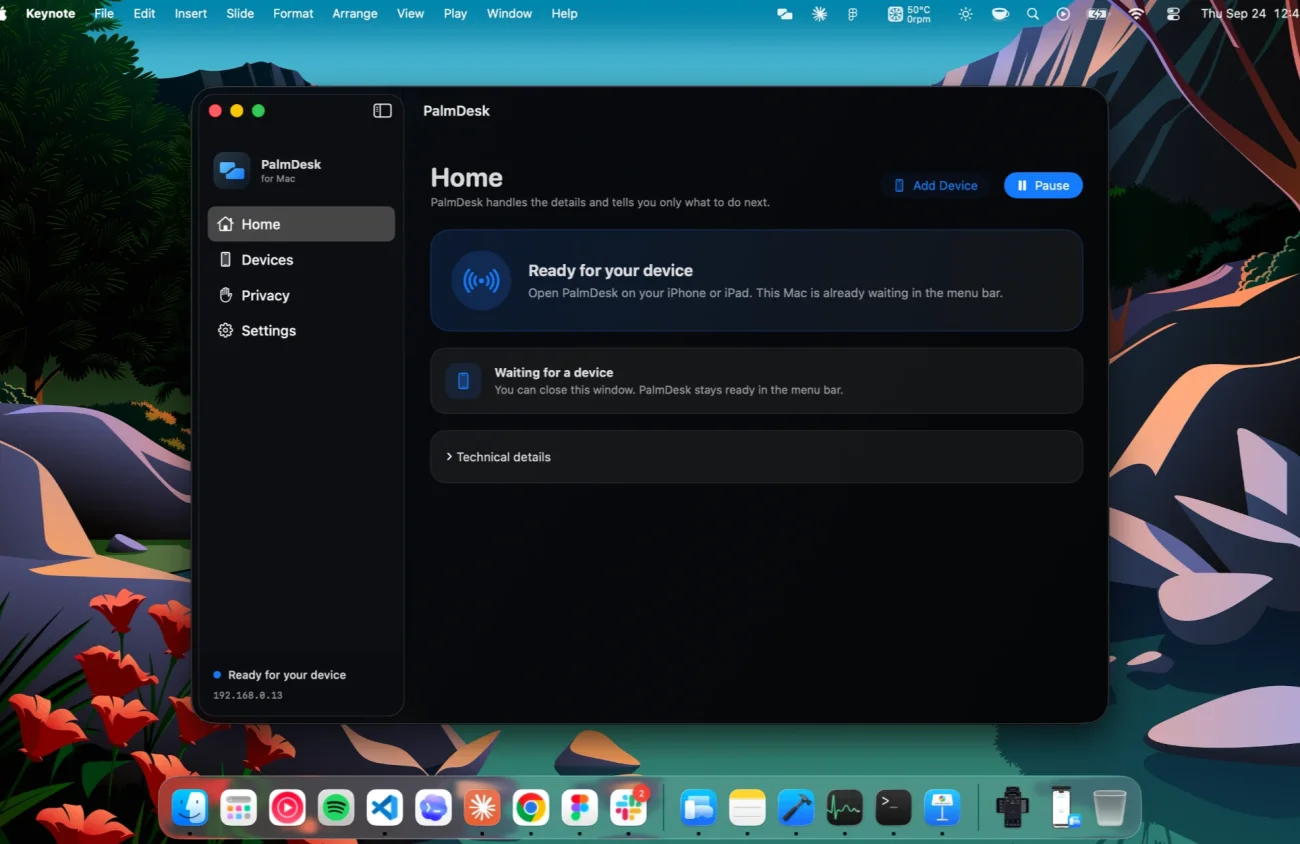
Move PalmDesk to the Applications folder and open it. A setup assistant walks you through the permissions in the right order.
Grant the permissions, then restart PalmDesk
Allow Screen Recording and Accessibility in System Settings. macOS applies them only after the app restarts; PalmDesk shows a Restart button when that’s needed.
Add your iPhone or iPad
Choose Add Device. A one-time QR code and 9-digit code appear for two minutes; scan or type it on your device and confirm the fingerprint on both screens.
| Mac permission | What it’s used for |
|---|---|
| Screen Recording | Sending the screen to Live Display. Without it, the other modes still work. |
| Accessibility | Moving the pointer, clicking, typing, media keys and slide controls. |
| Automation | Restarting or shutting down the Mac when you choose it in Quick Commands. macOS may ask the first time. |
| Local Network | Finding your iPhone or iPad on the same Wi‑Fi and connecting to it directly. |
Set it up on a Windows PC
Run the installer
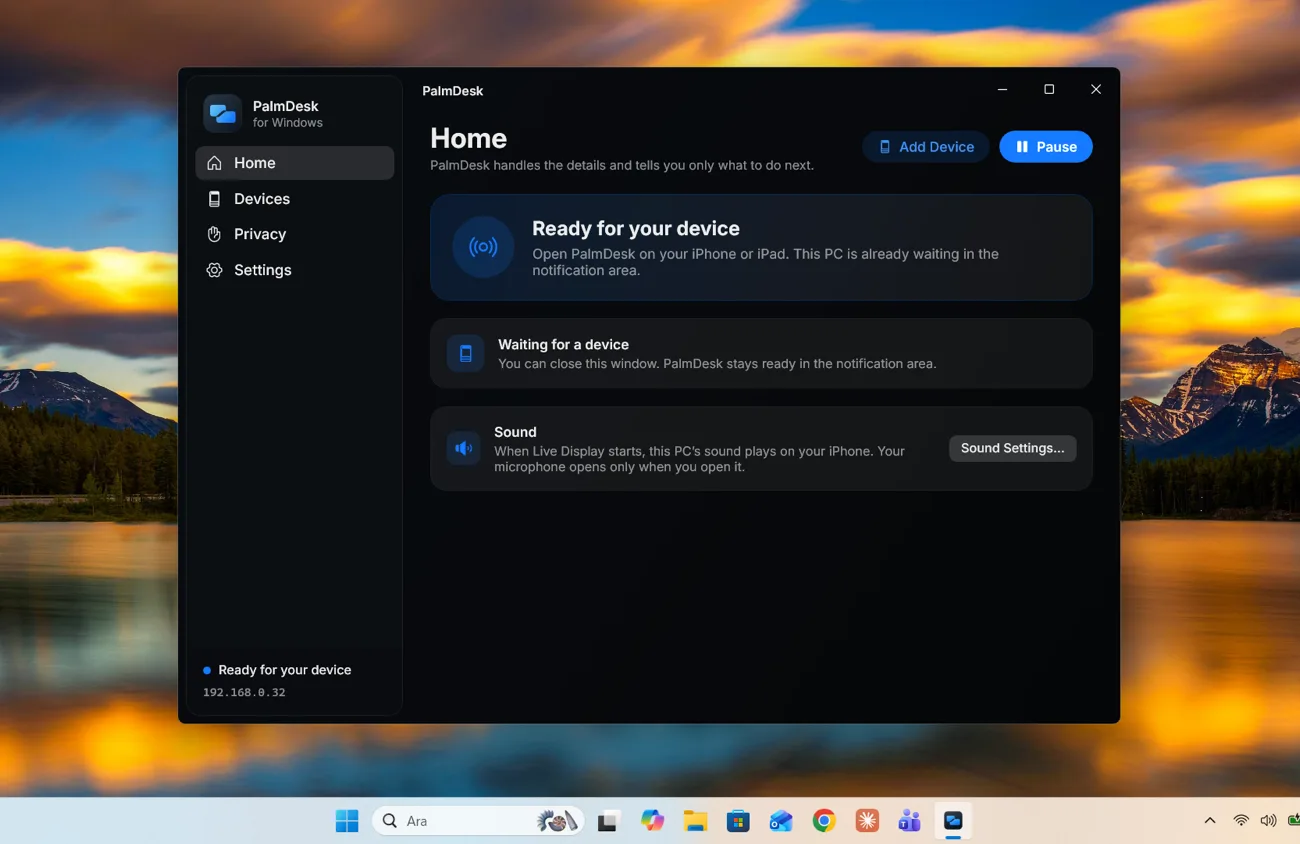
Download PalmDesk for Windows and open it. It installs for every user of the PC, adds itself to the Start menu and opens when it’s done.
Allow it on your network
The installer lets PalmDesk through Windows Firewall on private networks. If your Wi‑Fi is set to Public, switch it to Private so your phone can find the PC nearby.
Add your iPhone or iPad
Choose Add Device. Scan the one-time QR code or type the 9-digit code on your device, and confirm the fingerprint on both screens.
PalmDesk for Windows comes in separate installers for x64 and ARM64 PCs. It can’t be installed on Windows in S mode.
What you control on the computer
Always within reach
From the menu bar on a Mac or the notification area on Windows: see whether PalmDesk is ready or a device is connected, add a device, or pause PalmDesk. It starts when you sign in, and closing the window keeps it running.
Connections
Nearby Connections (same Wi‑Fi) and Internet Connections (another network) can each be switched off; at least one stays on.
Privacy Zones
Pick apps that never appear in the stream. Their windows are kept out of the picture and the window list.
Hide sensitive screens
Pauses Live Display while a password field or a system authorization prompt is visible. On by default; you can turn it off in Settings.
Questions
Is the computer app free?
Yes, always, on Mac and Windows. Live Display, remote access and more computers are part of PalmDesk Pro, which you buy in the phone app.
Can one phone control both a Mac and a PC?
Yes. Pair each computer once and they appear side by side in PalmDesk; tap the one you want. Pairing more than one computer is part of PalmDesk Pro.
Does the app need to stay open?
It needs to be running, but not its window. Close the window and PalmDesk waits in the menu bar or the notification area; it starts when you sign in, so it is ready after every restart.
Will it work when my computer is asleep or locked?
No. The computer must be on and awake with a user signed in and PalmDesk running. On Windows, PalmDesk pauses the picture while the lock screen or a User Account Control prompt is showing.
Can I control apps running as administrator on Windows?
Yes, when Windows starts PalmDesk the usual way, from the Start menu or at sign-in. If it was started some other way, PalmDesk tells you and offers to restart itself.
Does it capture audio or my camera?
Only the computer’s sound, and only while Live Display is open and your phone is playing it. The microphone opens only when you open it yourself, for that session; the camera is never used.
How is the download distributed?
From this site. The Mac app is signed with a Developer ID and notarized, so macOS checks it before it opens; the Windows installer is digitally signed by PalmDesk.